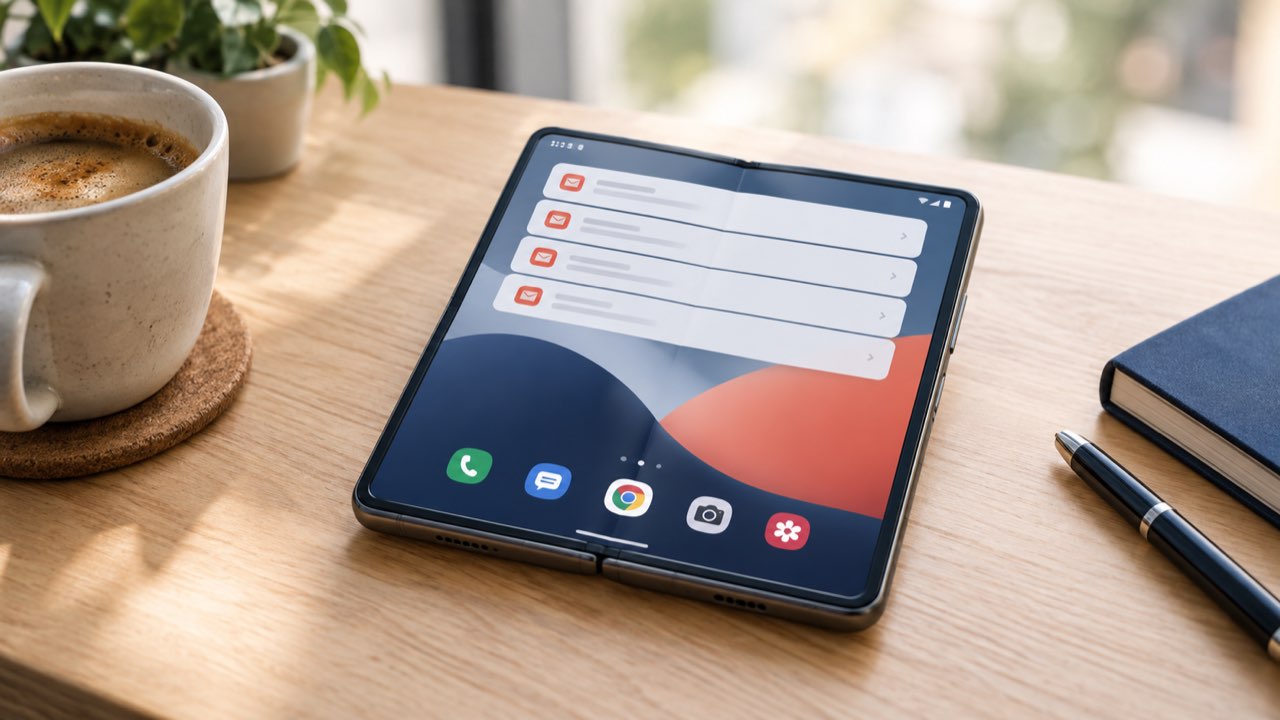
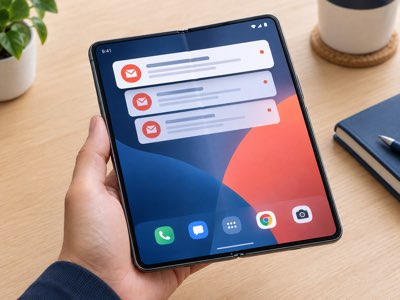
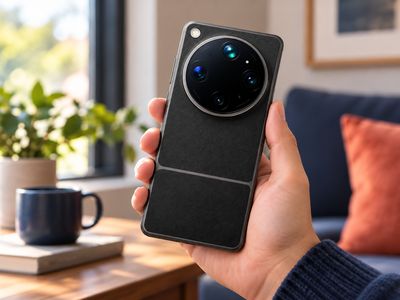
Got a Xiaomi 18 Fold or Xiaomi 18 Pro Max on Chinese firmware, and Gmail just never pings you? In a new video, LL Techview shows how two free apps get those notifications coming through again.
Why Gmail goes quiet on the China ROM
Push notifications from Gmail, YouTube and most other apps run through Google Play services. In the background, Play services keeps a connection open to Firebase Cloud Messaging, or FCM, which is Google's push service. When a new email arrives, Google sends a signal down that connection, and that is what makes your phone show the alert.
The Chinese version of HyperOS is built for a market where Google services play no part. Its battery management freezes background processes early and treats Google Play services like any other app. Once the FCM connection drops, new messages only appear when you unlock the phone or open Gmail. Some apps, YouTube among them, still get through. Gmail often stays completely silent.
The fix: Shizuku plus HyperOS FCM Fix
The way out is to exempt Google Play services from battery restrictions for good. HyperOS keeps a hidden allowlist for exactly that, and regular apps can't touch it. That's where Shizuku comes in. It uses wireless debugging to run a background service with the same access a computer would have over a USB cable. You don't need root.
With that access, the open-source app HyperOS FCM Fix adds Google Play services to the allowlist. Every 30 seconds it checks that the entry is still there and puts it back if the system has removed it. Setting it up looks roughly like this:
Unlock Developer options and turn on "USB debugging (Security settings)" as well as USB debugging. Xiaomi only lets you enable the security setting with a signed-in Mi account and a SIM card in the phone.
Switch on Wireless debugging, pair Shizuku with the pairing code and start the service.
In Settings, change the notification style from "Classic" to "Android".
Give HyperOS FCM Fix access, turn on protection for Google Play services, and allow both apps to autostart with no battery restrictions.
The video goes through every step on the phone itself, including the first pairing attempt that fails, and ends with a test email landing straight away.
Big thanks to LL Techview for showing how it's done. The whole process runs live on a Xiaomi 18 Fold, and snags like the SIM requirement for the security setting are far easier to follow on screen than in any written guide.
Good to know before you start
This is a workaround, not an official fix from Xiaomi. Shizuku only keeps running until the phone reboots. After every restart you have to start the service in Shizuku again, or HyperOS FCM Fix can't restore its protection.
Only download both apps from their official sources. HyperOS FCM Fix is free on GitHub and isn't on the Play Store. The fix app's developer also recommends the GitHub build of Shizuku, since the Play Store version can run into trouble on Android 16 QPR2. USB debugging with security settings hands apps a lot of control over your phone, so think twice about which apps you let use Shizuku.
Last of all, check Gmail itself. Go to Settings, tap your account and set notifications to "All" so you get an alert for every new email.