New at TradingShenzhen: 16 upgrades that make shopping easier
16 upgrades
From your first search to delivery, the new shop helps you find devices, understand their strengths and limits, and keep track of your order. Here is what you can explore now.
+
Reach the right product faster
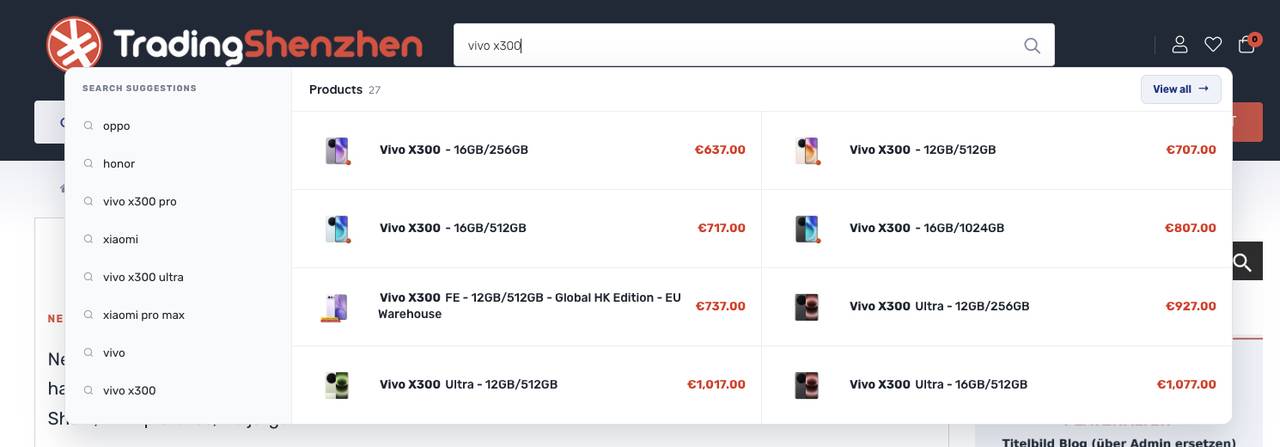
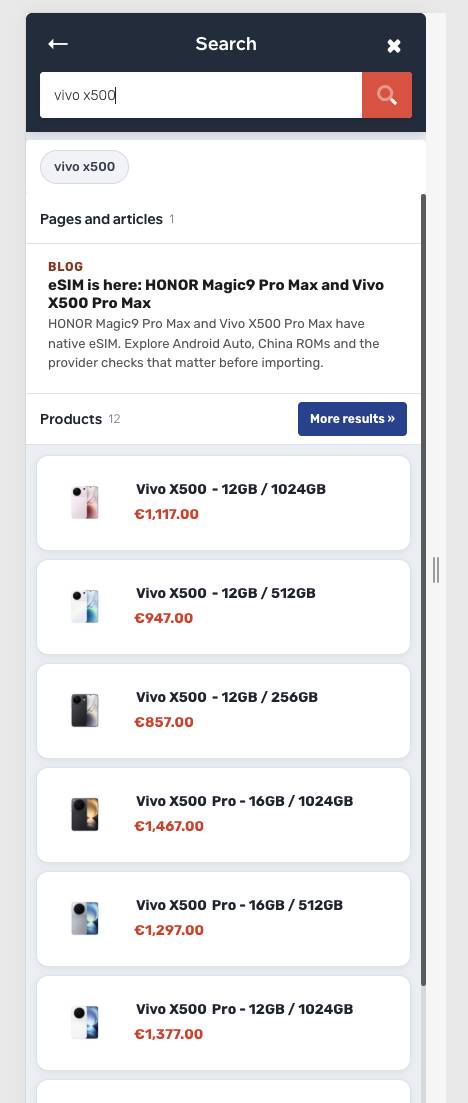
After a few letters, search shows matching products with images and prices. Devices appear before accessories, and a search for Xiaomi 17 puts the matching base model first. Results now include guides and blog posts too, such as our explainers on eSIM, Android Auto and camera stabilisation. On mobile, search opens in a clear full-screen view. Categories such as New Smartphones 2026 and Band 20 Smartphones give you another quick way to browse.
+
Chat connects product advice with support
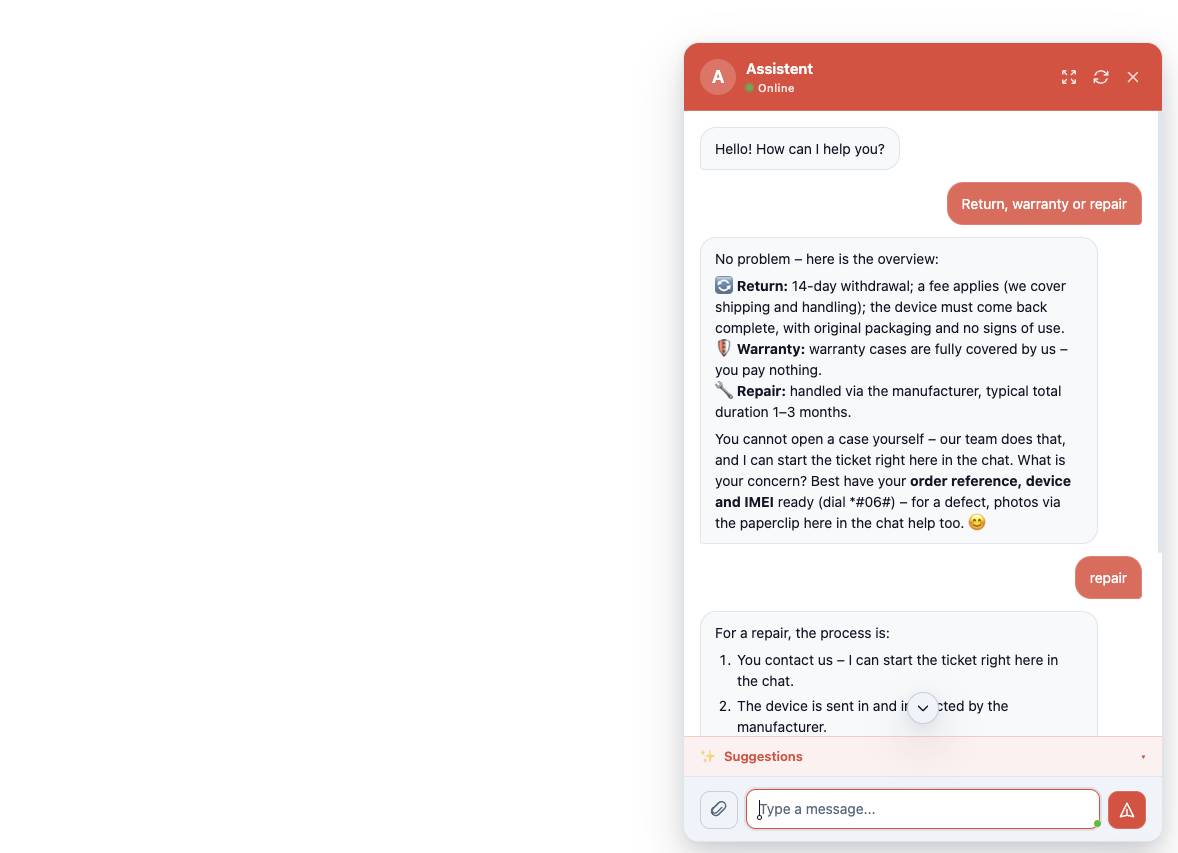
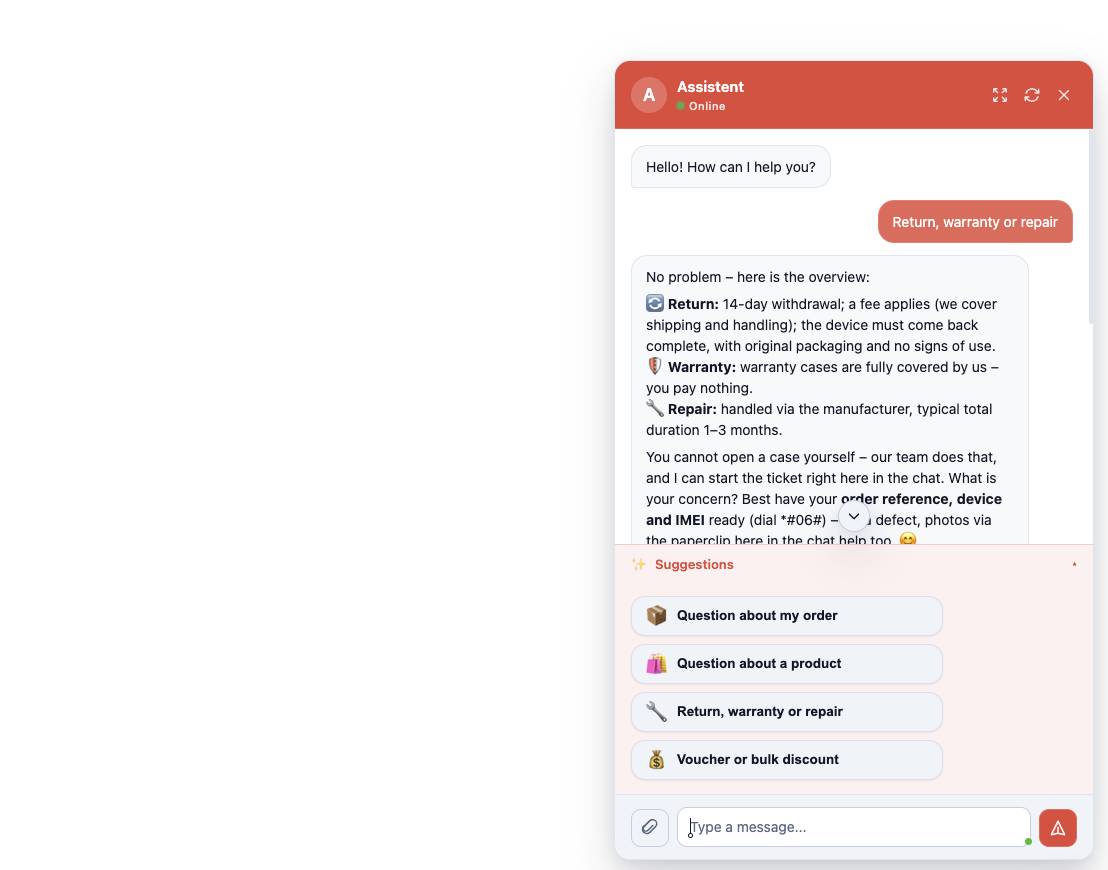
The new AI chat uses product data, network bands, prices, stock, shipping information, guides and customer reviews. Ask about a device and it can show a product card with an image, price and link, often with matching video reviews. If you need personal help, the conversation becomes a ticket for our support team. The previous messages go with it, so you do not have to explain your question again from the beginning.
+
See the buying details in one place
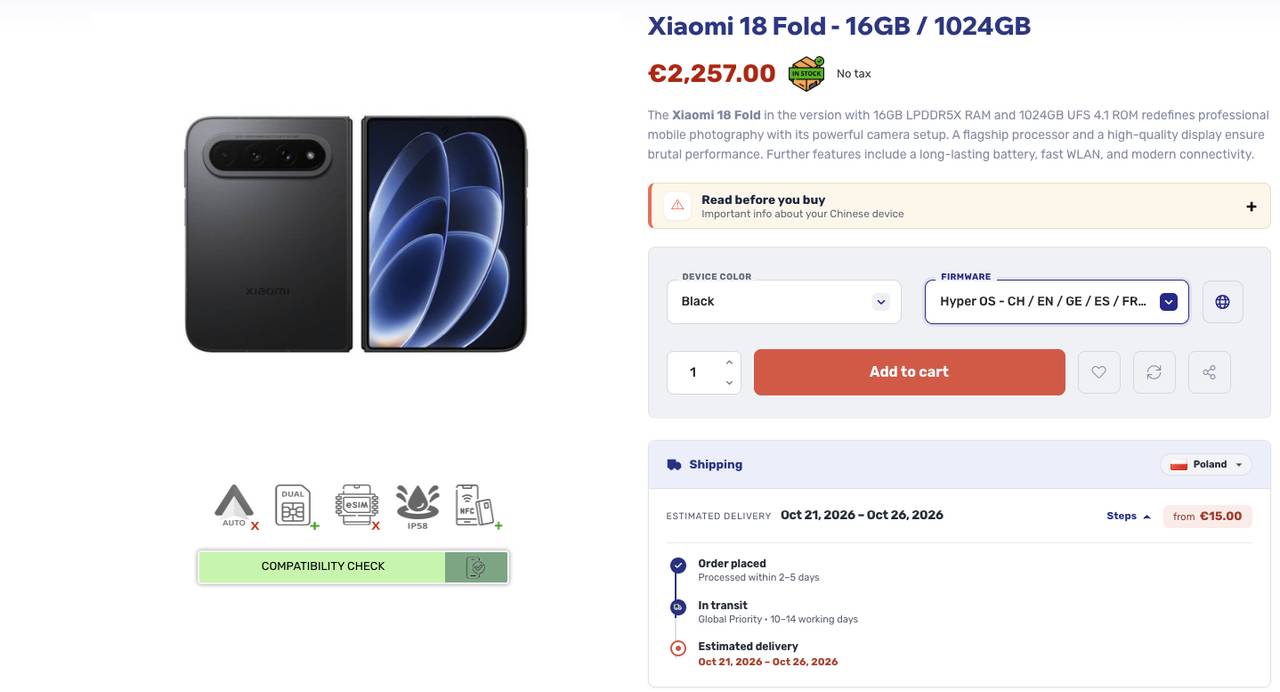
The new buy box brings together the price, discount and reviews. Just below it, you can see when your parcel is expected to arrive, the planned carrier and the selected destination country. The date is an estimate and may change in transit. Smartphone pages also show the protection rating, firmware and available system languages near the product. Descriptions start with the essentials, followed by comparisons and further details.
+
Read the important notes before ordering
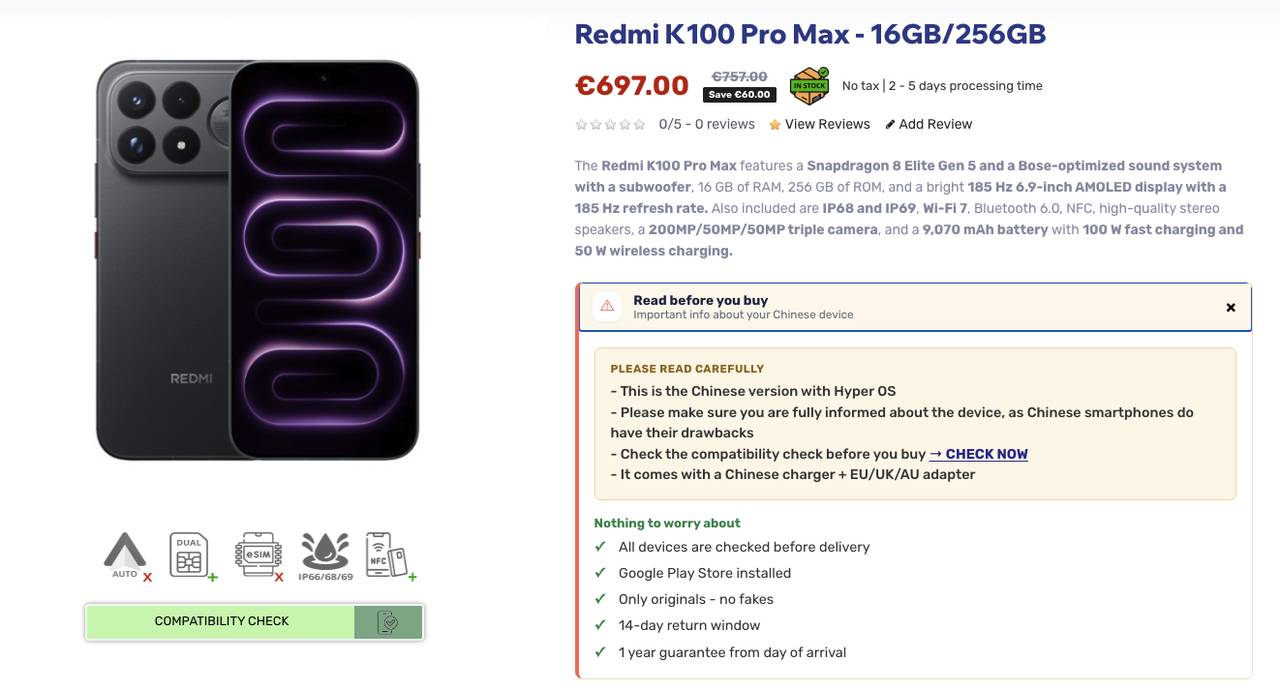
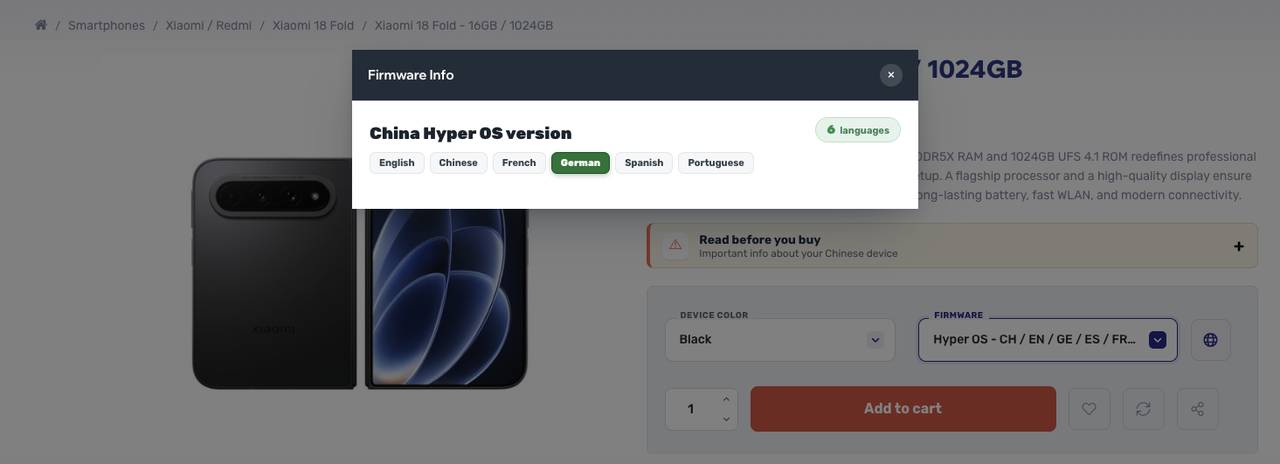
The Read before you buy area sums up the device's advantages and possible drawbacks. A globe icon beside Firmware opens the languages supported by the device and firmware, with your country preselected through location detection. Icons below the product image also show at a glance whether features such as eSIM or Android Auto are supported. Availability always depends on the individual device and its firmware.
+
See the device in action before you buy
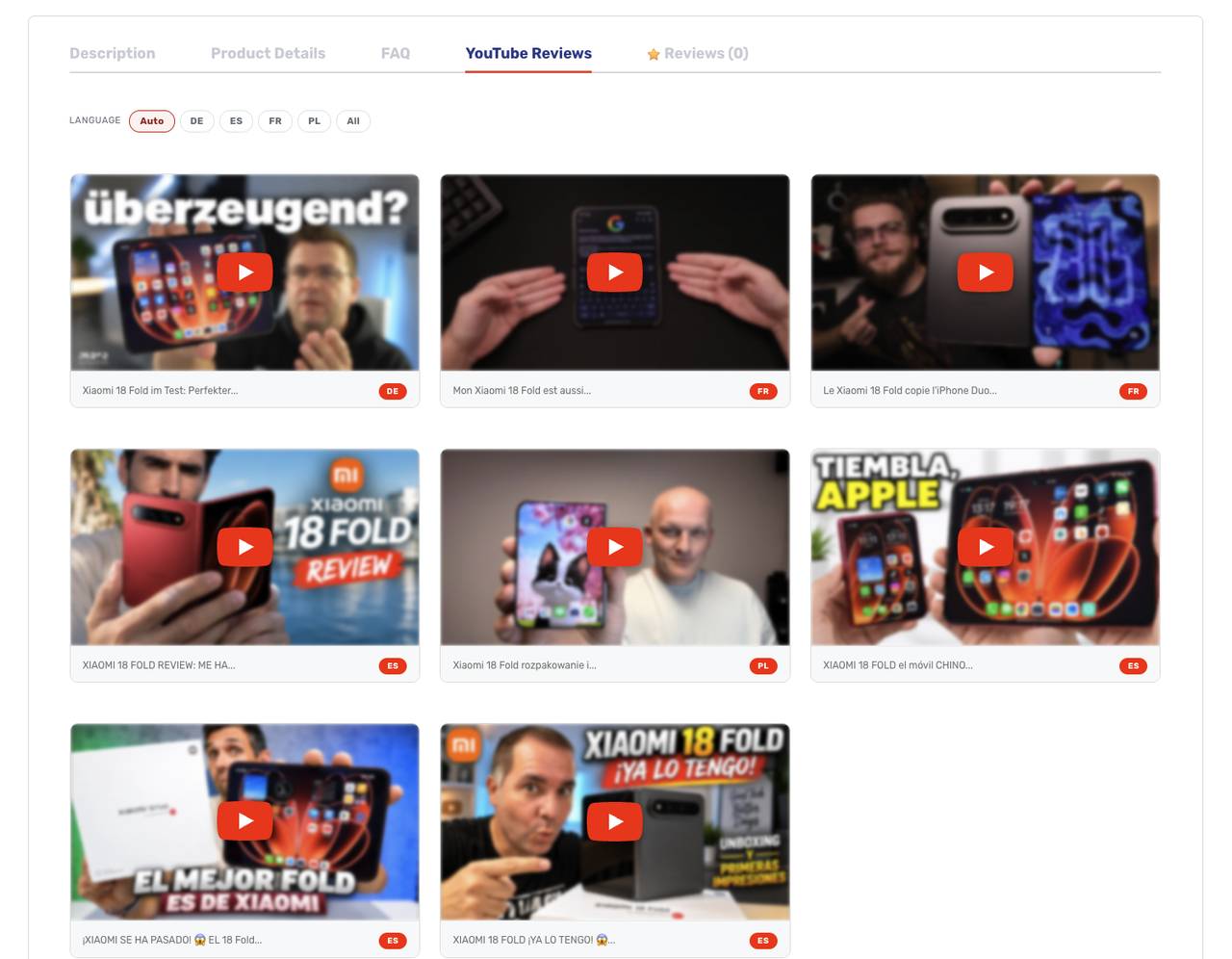
Many product pages now place relevant YouTube reviews beside the device. You can check its size, controls or camera impression without searching for the correct model yourself. Videos for your selected device also appear in the cart, with reviews in your language shown first. Technical specifications tell only part of the story; the videos give you a better feel for the phone, tablet or notebook in everyday use.
+
Check network compatibility before buying
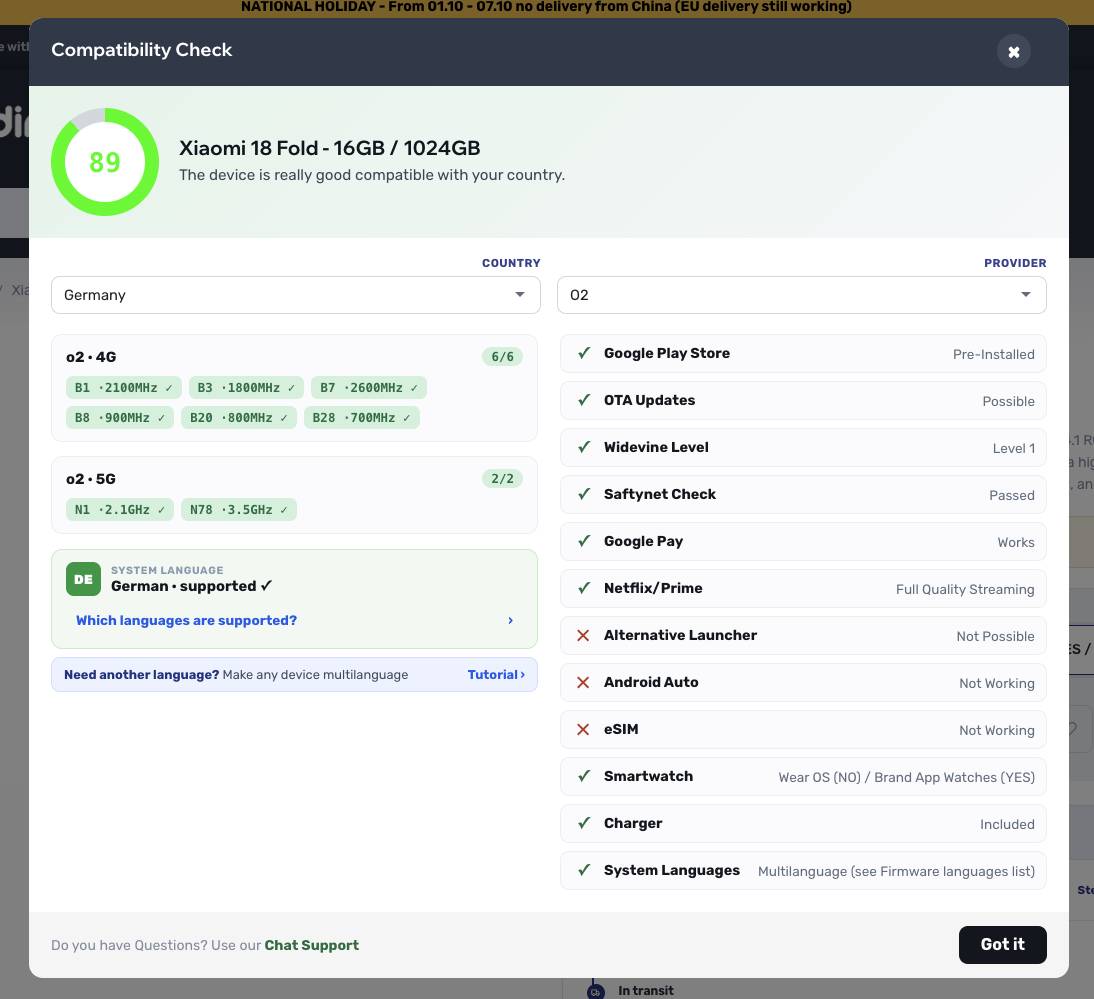
The compatibility check compares a smartphone's 4G and 5G bands with your country and mobile carrier. It gives you an overall result and lists each band separately. You will find it on the product page, with another reminder in the cart. The result helps you assess technical compatibility, but it cannot guarantee reception everywhere. Local coverage, your plan and your carrier's network still matter.
+
The shop adapts to your country
The shop detects your country and selects a suitable language and currency. The same choice feeds into the delivery estimate, compatibility check, firmware language notes, chat and the order of video reviews. You can change the language and currency yourself at any time from the menu. Older links and saved bookmarks still lead to the relevant page.
+
Collect benefits with Fan Rewards
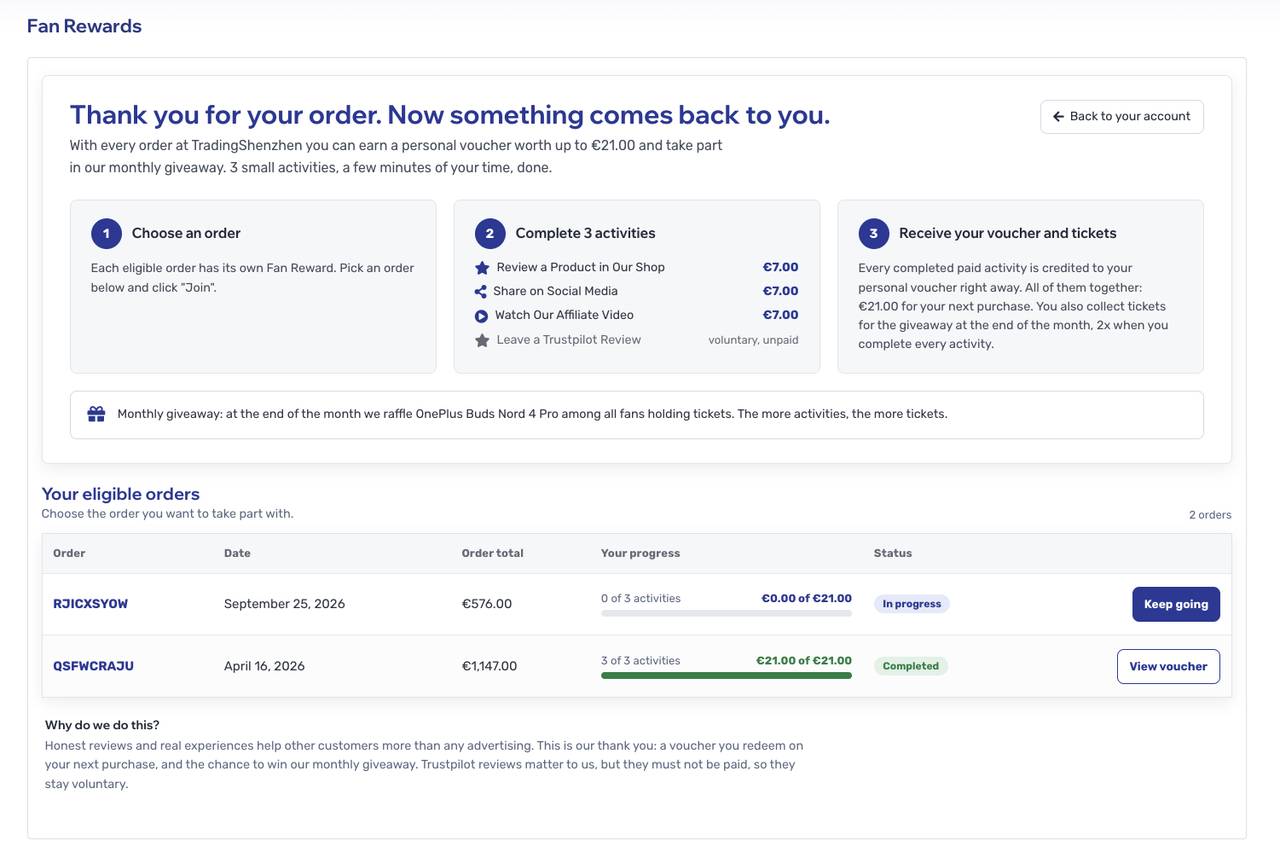
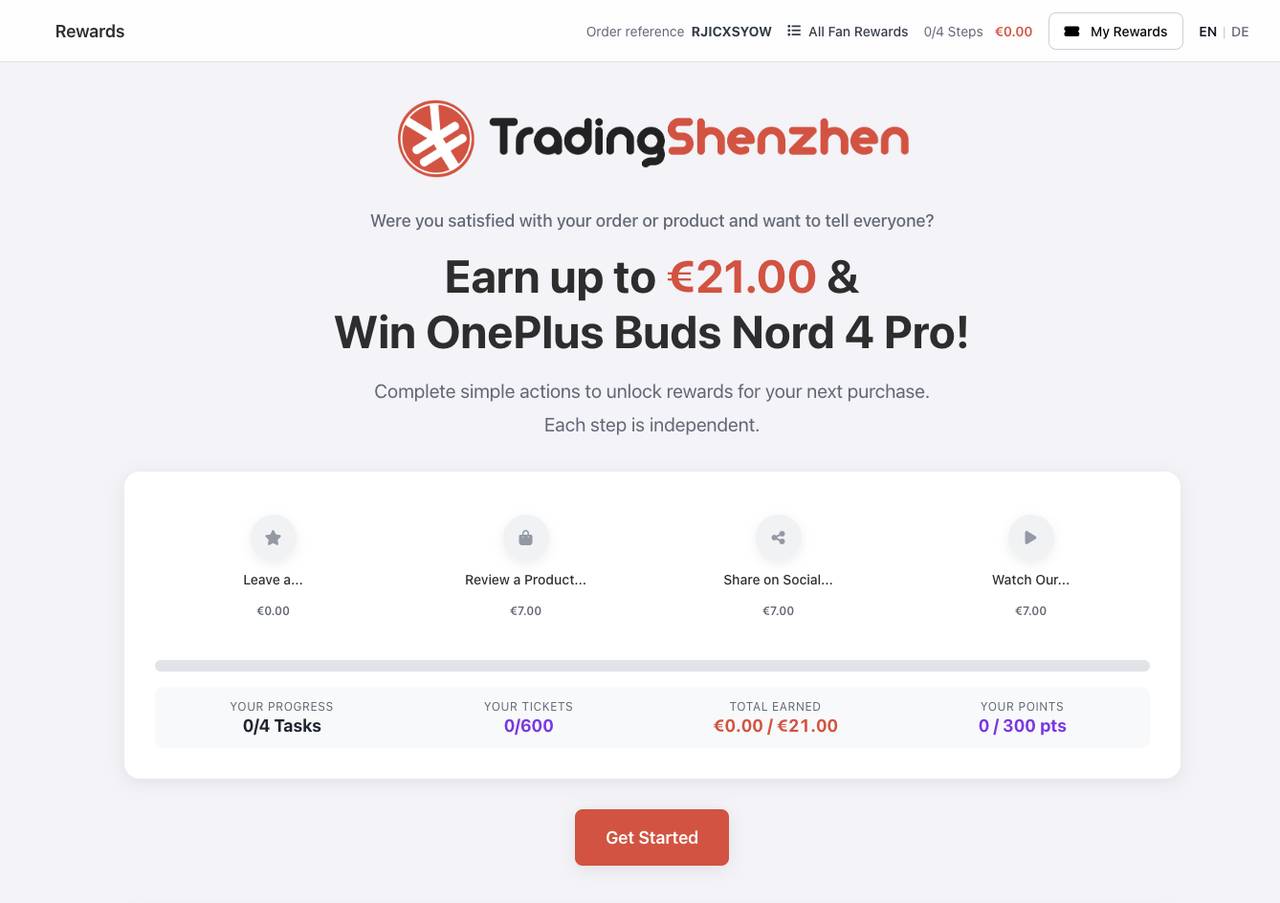
After an order, your account shows optional tasks such as reviewing or recommending a product. Completing them builds your reward, ending with a personal voucher code for a later purchase. You also collect tickets for a monthly giveaway. Finish every step and your ticket count doubles. A leaderboard shows your current position.
Share recommendations with your own link
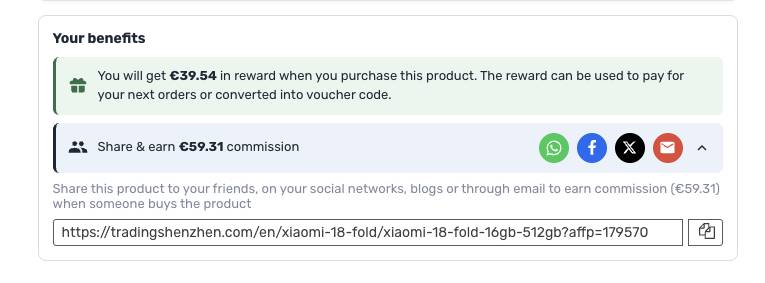
The Your benefits box on each product page lets you share a device through WhatsApp, Facebook, X or email. Join the affiliate program, and you receive a commission when someone orders through your link. You can start registration from the same box. Your referral stays connected if the shop redirects the other person to the appropriate language or currency.
+
Keep vouchers and payment options clear
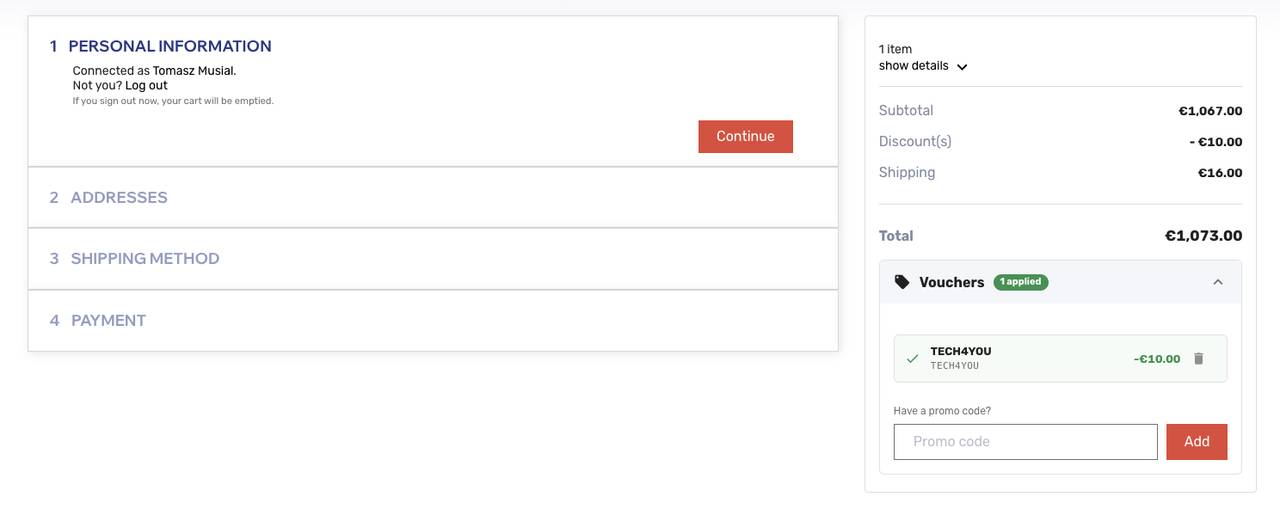
The cart and checkout now show used and available vouchers together. One click on Apply adds the relevant code. Address suggestions fill in details as you type, while a check can flag missing information such as a house number. You can pay by card through Stripe, with Klarna, PayPal including Pay Later, or Bitcoin.
+
Handle support and returns in your account
In the support form, you choose a topic and order and can attach a photo. Your request reaches us with the information we need to work on it. Returns and warranty cases also live in your account; a return slip confirms the case, and we keep track of the shipment. Your existing login still works. The account also lets you export your stored data or ask for it to be deleted.
+
Find reviews where they help you choose
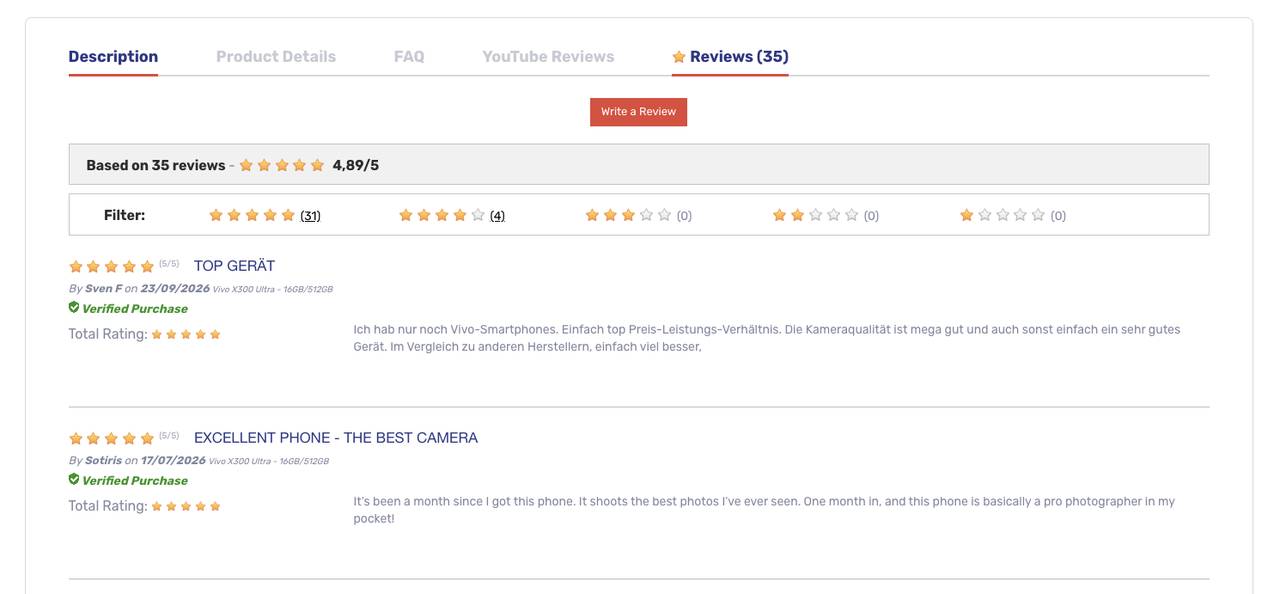
Reviews from the previous shop moved with us. Star ratings now appear on product cards, helping you assess devices from the listing page. Your own reviews are collected in your account. We also show our Trustpilot ratings on the homepage and in the cart. That puts customer feedback close to the points where you compare products or check an order.
+
Save, compare and follow availability
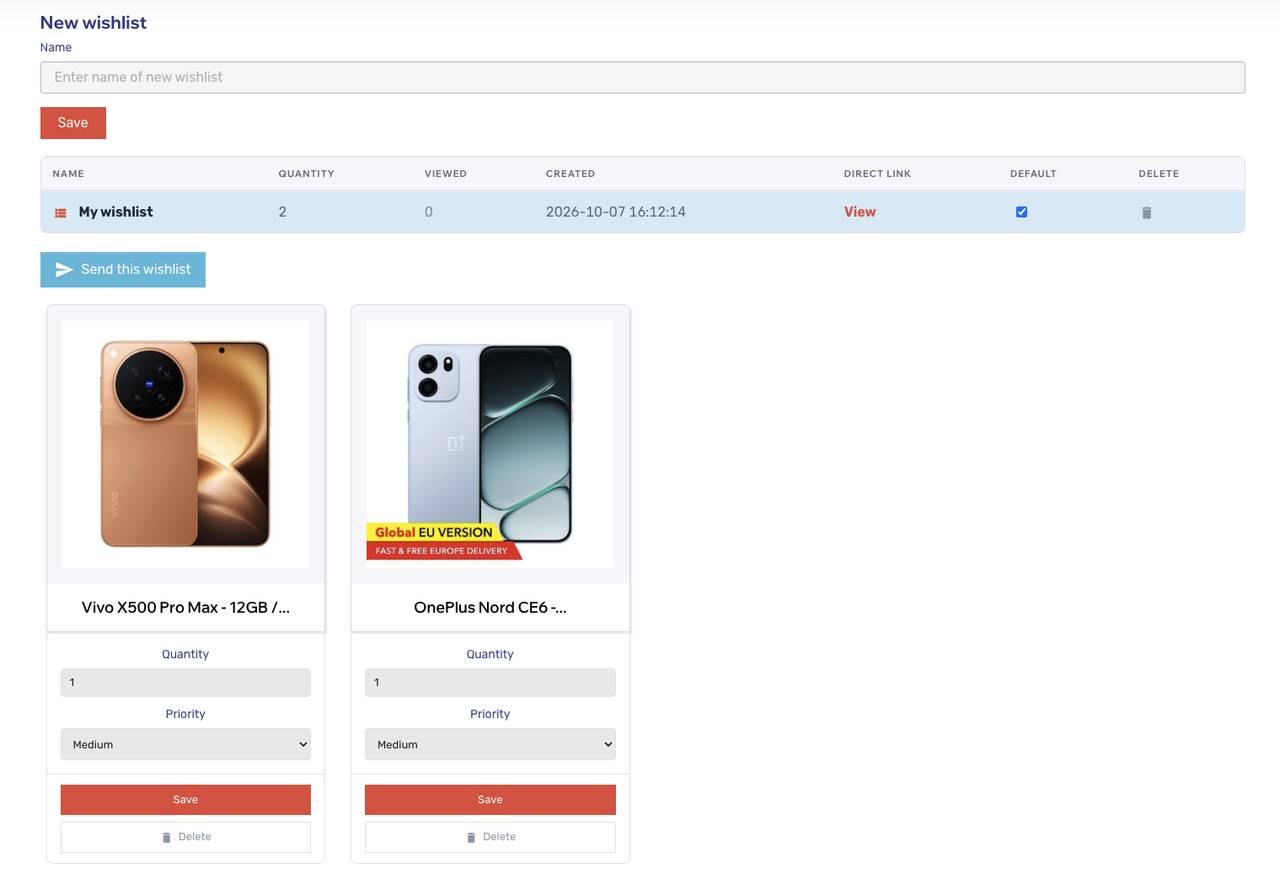
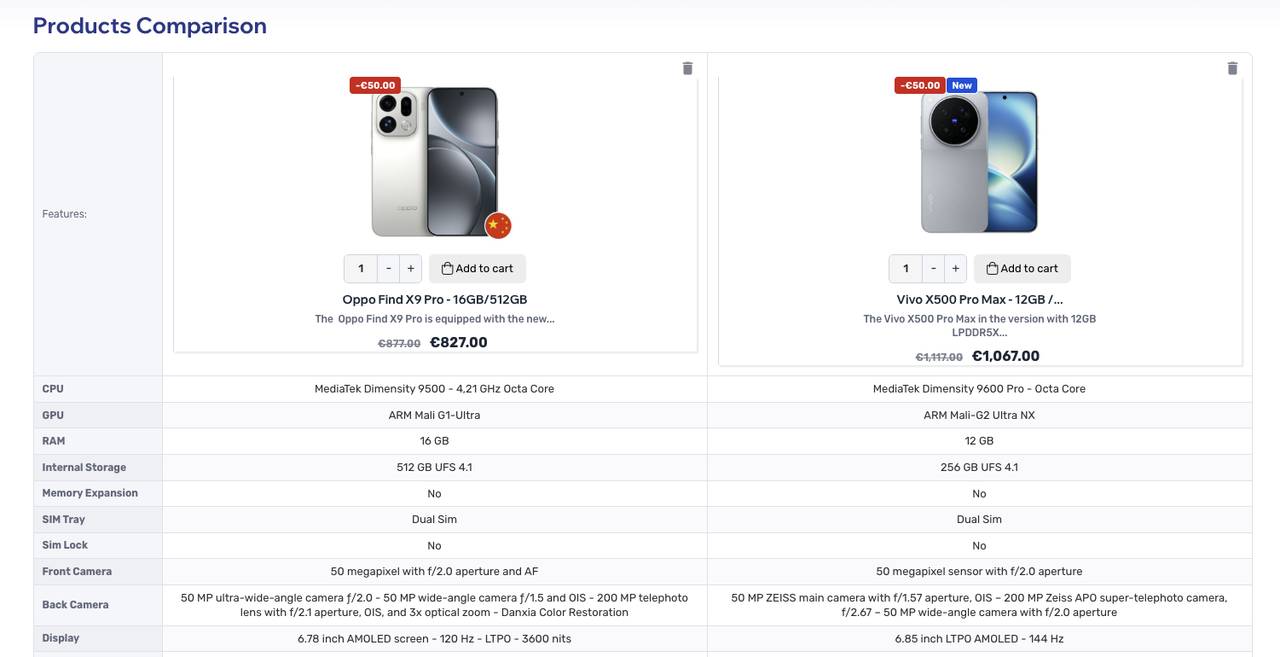
You can email the redesigned wishlist to up to five people. Product comparison places several devices side by side; on mobile, you swipe through the columns and can order from the table. If a model is sold out, choose Notify me. Once it returns, you receive an email showing the price in your selected currency.
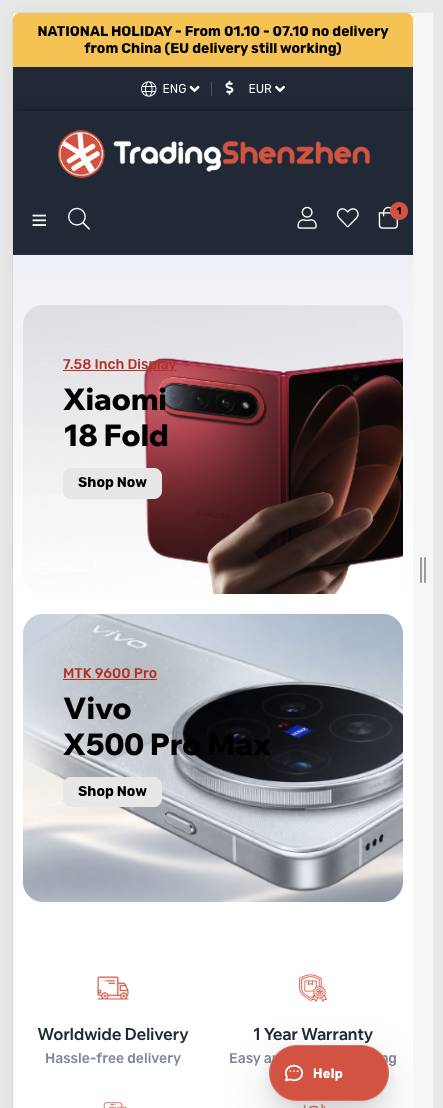
Move around the shop more easily on mobile
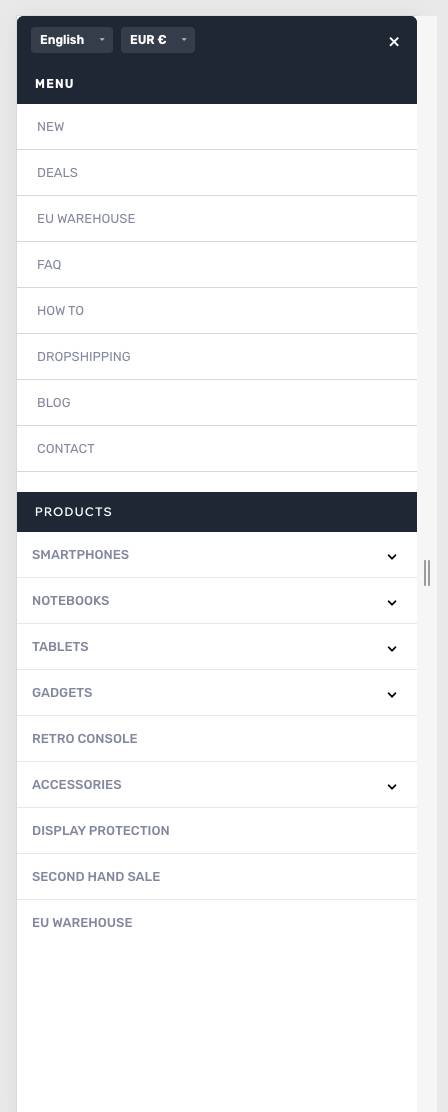
The mobile menu puts language, currency and brands within easier reach. Submenus open with a tap, and the image gallery stays stable as you move between product photos. Search and comparison make better use of the smaller screen: search opens full screen, while comparison columns swipe sideways. The main actions remain easy to reach without constant zooming or jumping back.
Spend less time waiting, especially on mobile
Images use smaller, modern formats and load as you scroll towards them. We serve our font from our own server. Payment, chat, review and security features start when you need them. This cuts unnecessary data use and waiting time, which is particularly helpful on a mobile connection.
Useful updates in newsletters and shop emails
Our newsletter covers new devices, offers and recent guides. Sign up at the bottom of any page and confirm by email; unsubscribing is just as straightforward. Shop emails have a new design in German and English too. Order confirmations group the product, variant, quantity and price clearly. Shipping emails add an approximate delivery time.