
Google services, Gemini and Circle to Search on a Chinese Honor
Chinese Honor phones often cost a lot less than the global version. The catch: MagicOS 11 ships without Google services, notifications arrive late, and the Chinese assistant YOYO answers instead of Gemini.
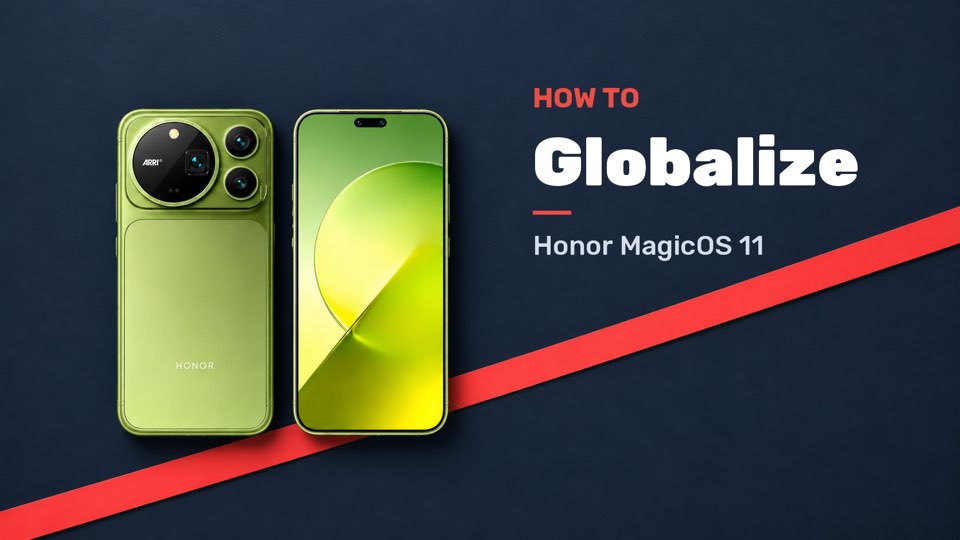
A few settings and four free add-on apps make the phone feel almost like a global model. Casual Reviews walks through it step by step on the Honor Magic9 Pro Max.
What to know before you start
Some things still won't work afterwards. According to the video, that includes Google Timeline, NFC payments through Google, "Hey Google", Quick Share and pairing with WearOS watches. Google Wallet only works with some banks. Casual Reviews knows of no workaround for these.
Also check that the phone supports your carrier's network bands. Everything else you can set up with the steps below.
In the video, Casual Reviews sets up an Honor Magic9 Pro Max running Chinese MagicOS 11 from start to finish: from the Play Store to an AI button that launches Circle to Search and Gemini.
Many thanks to Casual Reviews for this guide. The Shizuku and Hail part is especially easy to follow in the video, since every tap is shown on screen.
1. PLAY STORE AND GOOGLE SERVICES
- During first setup, move your data over from your old phone with Honor's "Device Clone" tool.
- Go to Settings > Users & accounts and turn on Google Play services.
- Search the Honor App Market for "Google". Tap "Update" next to Google Play and the Play Store appears.
- Sign in to the Play Store with your Google account and install your apps.
2. GET NOTIFICATIONS ON TIME
MagicOS is very strict about closing apps in the background. You have to switch this off for each important app, such as WhatsApp, Gmail or Telegram.
- Under Settings > Apps > App launch, find the app, turn off automatic management and turn on all three options manually.
- Under Battery > Power saving, turn on the option that keeps notifications coming while the screen is locked. You can turn off the warnings about power-hungry apps there too.
- Long-press the app icon, open App info and turn off "Manage unused apps". Otherwise the system stops apps you haven't opened in a while.
3. HONORBOARD AND BADGES
The left home screen is called HonorBoard. You can't swap in the Google feed, so it's HonorBoard or nothing. You can turn HonorBoard off in the home screen settings. If you keep it, switch off Quick services and News there, or it fills up with Chinese content.
Number badges on app icons are under Notifications > App badges. Not every app is listed; Telegram is missing, for example.
4. APPS FOR GEMINI AND CIRCLE TO SEARCH
The last part needs six apps:
- The Google app and Google Gemini from the Play Store
- MiCTS (launches Circle to Search) and VISTrigger (launches Gemini), both version 2.6 from GitHub. These two aren't on the Play Store.
- Shizuku from the Play Store
- Hail from F-Droid or GitHub
Give all six apps the same background permissions as in step 2.
5. TURN OFF YOYO AND MAKE GOOGLE THE ASSISTANT
- Set up Shizuku by following the guide inside the app.
- In Hail, go to Settings and set the working mode to Shizuku with the "Disable" action.
- In Hail, open Apps, filter for system apps, search for "YOYO", check "YOYO Agent" and tap "Freeze". According to the video, the system keeps switching the assistant back to YOYO if you skip this.
- Under Settings > Apps > Default apps > Digital assistant app, pick "Google" and turn on "Use screen and app data". Circle to Search needs it.
6. SET UP THE AI BUTTON
MagicOS 11 lets you assign your own apps to the AI button and the camera button. Open Settings > Honor AI and YOYO > AI button. In the video, a short press launches MiCTS for Circle to Search and a long press launches VISTrigger for Gemini. You can use a double press instead of the short press.
According to the video, both keep working after a reboot, after updates and on the lock screen.
GOOD TO KNOW
MiCTS, VISTrigger, Shizuku and Hail are open-source third-party apps, not tools from Honor or Google. Installing from GitHub means allowing installs from unknown sources. You can unfreeze a frozen app like YOYO in Hail at any time.
For the other differences in the Chinese version of MagicOS, see our tutorial on Honor MagicOS China differences. To launch Circle to Search with a gesture instead of a button, see the Circle to Search tutorial.