Why does your smartphone rattle when you shake it?

Categories : Hardware Rss feed

Does your phone rattle when you move it? You may be hearing the optical image stabilization. Here is how OIS works and why the sound is usually normal.

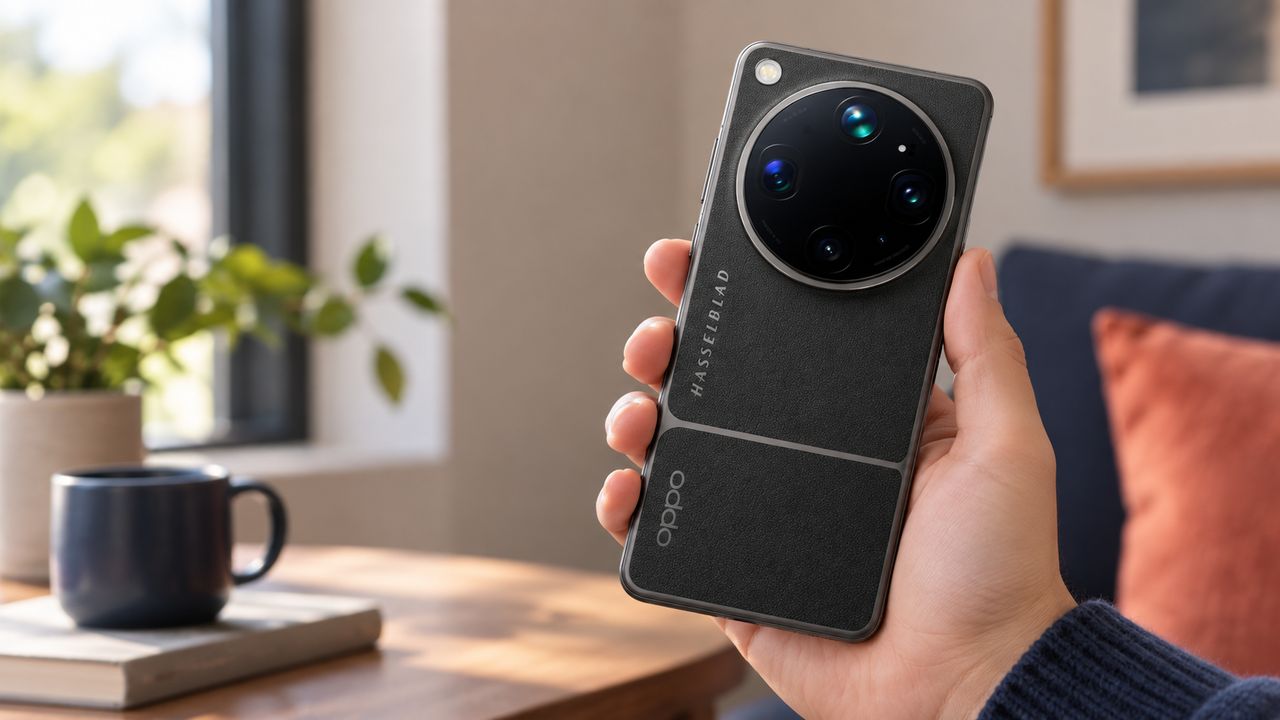
OPPO smartphone held in one hand with its large circular camera module visible

You move your smartphone and hear a quiet clicking sound from the camera area. With a new device in particular, it is easy to wonder whether something has come loose inside. On some smartphones with optical image stabilization, however, this sound is part of the camera's construction. A slight rattle when you gently move the phone does not by itself indicate a fault.

What does optical image stabilization do?

OIS stands for optical image stabilization. It helps the camera compensate for small, involuntary movements of your hands. Even when you think you are holding your smartphone still, it moves a little while you take a photo. During the exposure, that movement can shift the image across the sensor and make the photo look blurred.

To reduce this effect, some parts of the camera are mounted so that they can move. Depending on the design, the stabilization system shifts lens elements or the image sensor. That freedom of movement is intentional and necessary for the system to work. More about how OIS works.

How does the camera compensate for hand movement?

A motion sensor called a gyroscope detects small rotations of the smartphone. The control electronics calculate the required correction and move the relevant camera component in the opposite direction. This keeps the subject in roughly the same place on the image sensor while the photo is being taken.

Electromagnetic actuators can make these tiny corrections. Current flows through a coil, creating a magnetic field that interacts with a magnet. The resulting force moves the adjustable camera component. In systems that use position sensors, those sensors report where the component is so the electronics can correct its position. The module repeats this measurement and correction in a small feedback loop. Technical details from STMicroelectronics.

How does OIS help with photos and videos?

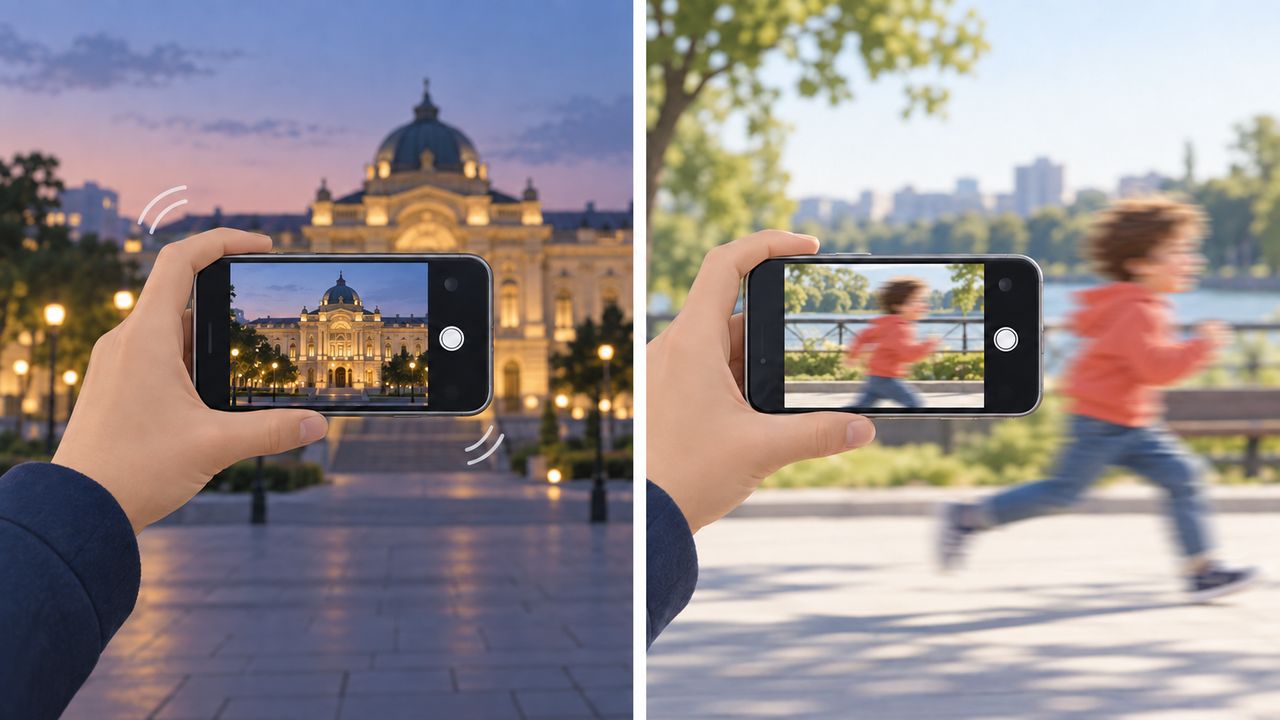
Imagine that you are taking a photo of a lit building in the evening. To capture enough light, the camera may need a longer exposure. The longer that exposure lasts, the more likely your small hand movements are to become visible in the photo. OIS compensates for some of that movement and makes it easier to take a sharper handheld shot. It can also soften small shakes in video recordings.

Conceptual comparison: the phone moves in front of a lit building on the left, while a running child moves in front of the steady camera on the right.

A running child remains a moving subject, even with OIS. Stabilization cannot stop that movement. The camera still needs a sufficiently short exposure time to freeze it. This difference between camera movement and subject movement explains why OIS cannot prevent every blurred photo. Nikon explains the connection between exposure time and motion blur.

Why does the camera rattle when it is inactive?

The movable components are still there when you are not using the camera. Depending on the design, the system may not actively hold them in position while the camera is inactive. When you move the smartphone, they can travel within their intended range and touch a stop or damping structure. You hear that contact as a light click or rattle. Sony describes this effect in its smartphone cameras.

OIS is different from autofocus and electronic image stabilization. Autofocus brings your subject into focus and may also use movable lenses. Electronic image stabilization, or EIS, processes image data to reduce shake in video. EIS itself cannot produce a mechanical rattle. These systems have different jobs and can work alongside each other.

Why does the sound vary between phones?

Smartphones use different camera modules. The size and construction of their OIS components can vary too, so the rattle may be more noticeable on one model than another. The sound does not reliably reveal build quality or sensor size. OIS also does not mean that every device must rattle loudly enough for you to hear it.

A slight noise during normal, gentle movement is therefore usually no reason to worry. There is no need to shake the phone hard as a test. If the camera also struggles to focus, produces consistently unusual blur or develops problems after a fall, have it checked.